Layer System
Pixel, text, vector, group, adjustment & effect layers with nested masks, layer styles, and 21 blend modes.
Color Adjustments
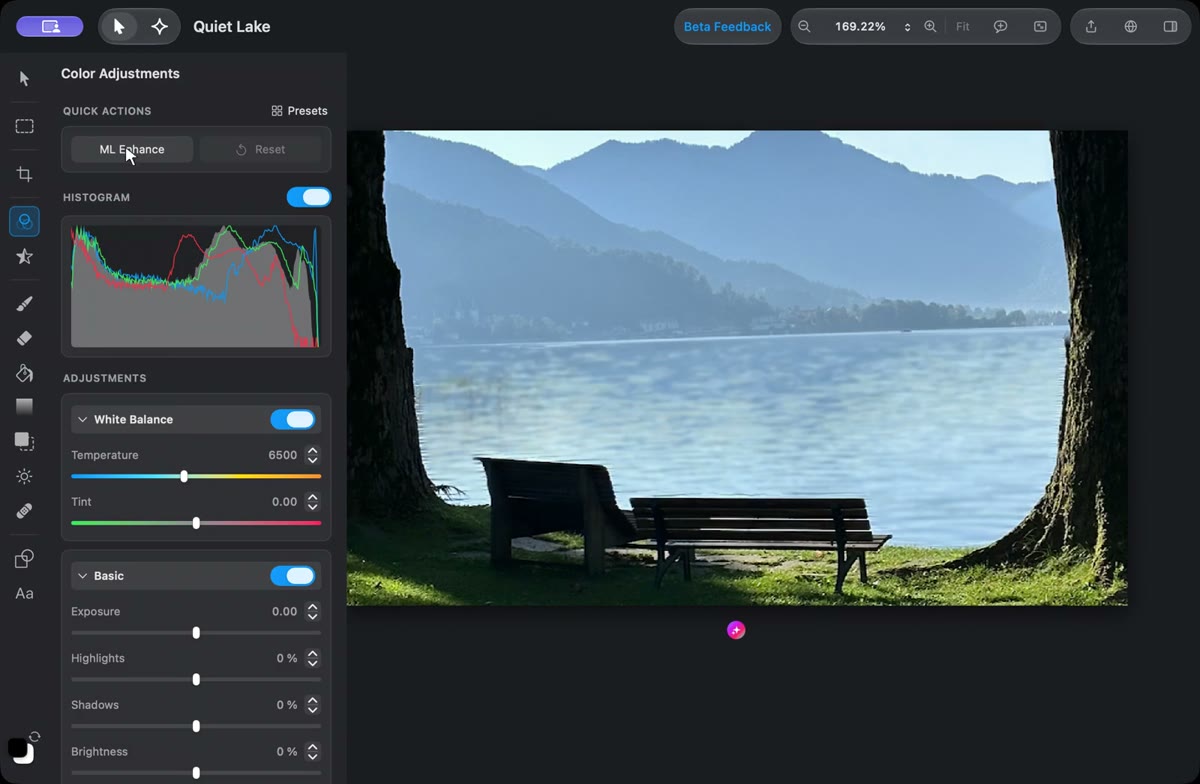
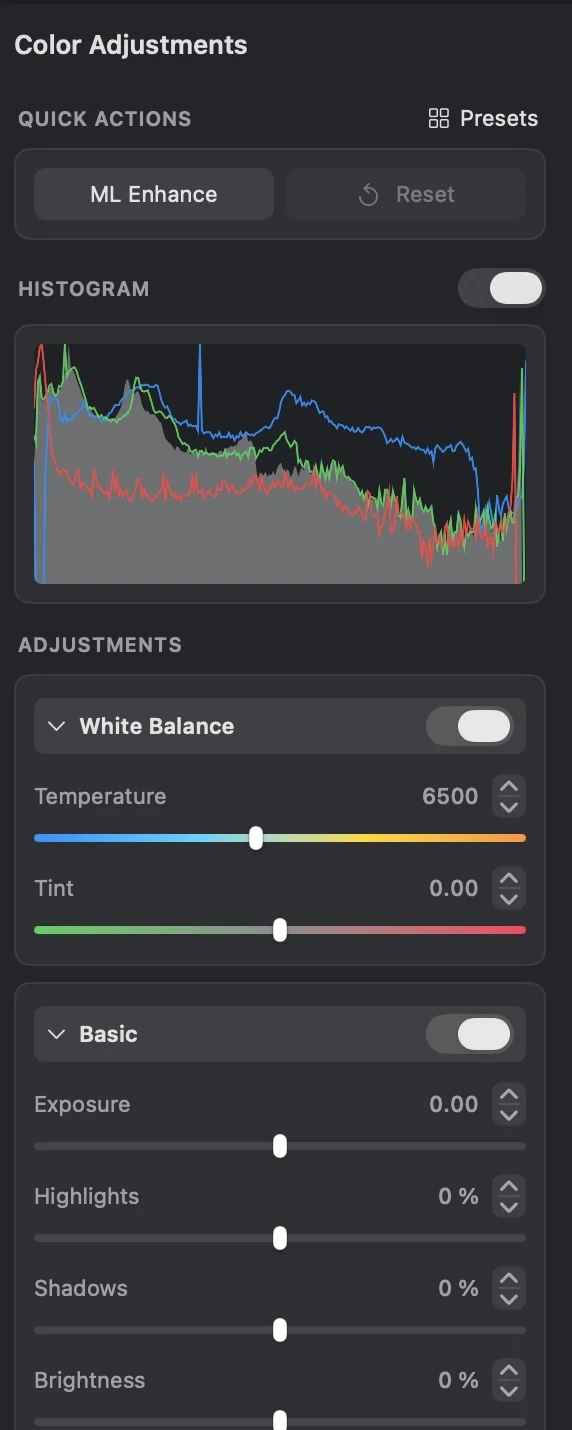
16 adjustments including Curves, Levels, HSL, Color Balance, Vibrance, and LUTs, plus six built-in presets.
Effects
36 effects including blur, sharpen, distortion, stylization, alpha & halftone effects.
Selection Tools
Standard shapes, Quick Selection, Magic Wand, and AI-powered subject selection.
Pixel Editing
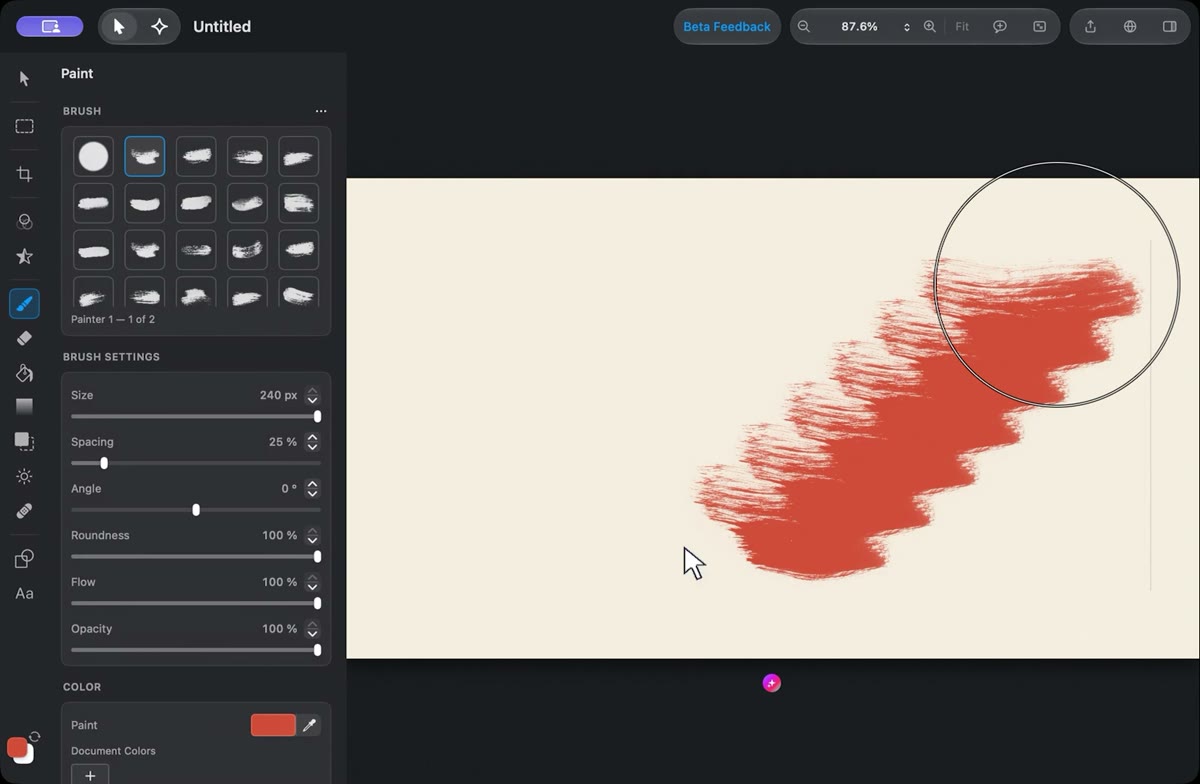
Brush, Eraser, Fill, Gradient, Clone Stamp, and a texture-synthesis Heal tool.
Vector & Text
Bezier pen, boolean ops, editable Core Text layers you can rasterize or convert to paths, plus SVG import/export.
Tracing & Vectorization
Trace raster images into editable vector shapes, with colour or binary modes, stacked or cutout results, and adjustable curve smoothing.
Animation & Keyframes
Keyframe layer placement, operation and style properties with hold, linear, bezier, and easing interpolation on a scrub-able timeline.
Reference Layers
Keep a live view of another layer as a non-destructive reference while giving it its own transform, opacity, blend, and effect controls.
AI & Machine Learning
Subject detection, SAM3 segmentation, text-to-image layers, ML Enhance, Super Resolution.
Canvas & View
Zoom to 5000%, rulers, guides, grid, and live-preview gesture editing.
Export & Import
PNG, JPEG, HEIF, WebP, TIFF, AVIF, animated GIF, SVG, and full PSD/PSB round-trip.
Native Document Format
.pixellect zip container, 100 levels of undo, sRGB color management throughout.
AI Agent System
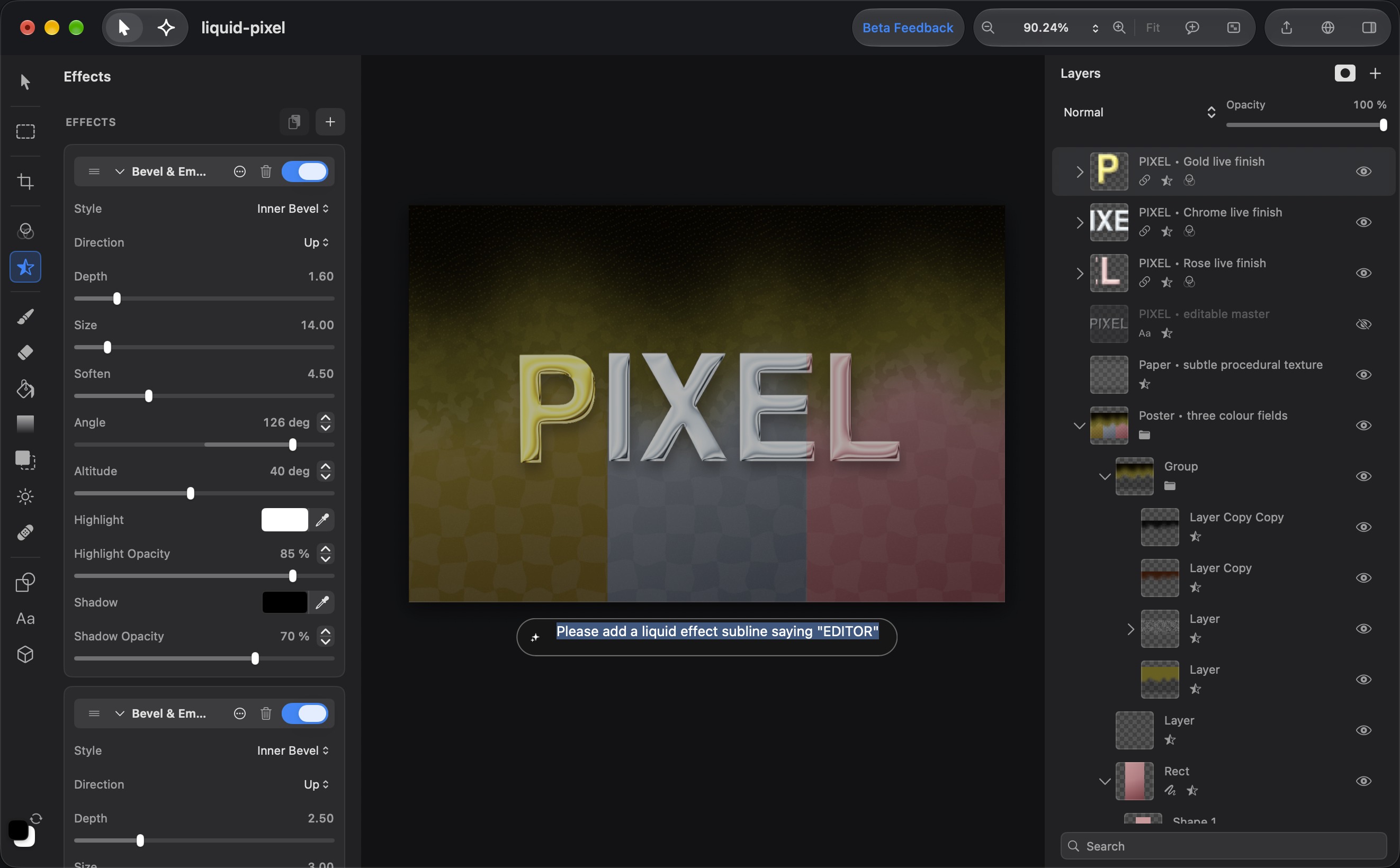
100+ agent tools, PixellectMarkup layout generation, and an in-panel agent chat.
Keyboard Shortcuts
Full tool and command shortcut set — V, M, B, P, T, ⌘Z, ⌘T and more.
Crop, Transform & Warp
Crop, auto-crop, straighten, perspective correction, free four-corner transform, liquify-style warp, and canvas flip, rotate, or resize.
Retouch & Repair
Brush-based lighten, darken, saturate, desaturate, and smoothing controls, plus texture-aware repair for unwanted details.
Pro Brush Library
Stamp and round tips with pressure, flow, fade, jitter, scatter, angle, and spacing dynamics — plus Photoshop .abr brush import.
Gradient Studio
Linear and radial gradients with editable colour stops, presets, and a full scientific colour picker for every stop.
Selection Refinement
Add, subtract, intersect, or invert selections, then feather, expand, or contract them for a clean edge.
Tonal Recovery
Exposure, brightness, contrast, saturation, gamma, hue rotation, shadow recovery, highlight recovery, and Black & White controls.
Clean-up & Keying
Noise reduction, debanding, selective colour replacement, and chroma-key colour removal for transparent backgrounds.
More Effects
Mosaic pixelation, hexagonal pixelation, deconvolution, alpha fill and border, plus Bevel & Emboss.
Clipping Masks
Clip one layer to the transparency of the layer beneath it, alongside editable vector, text, alpha, and pixel masks.
Layer Control
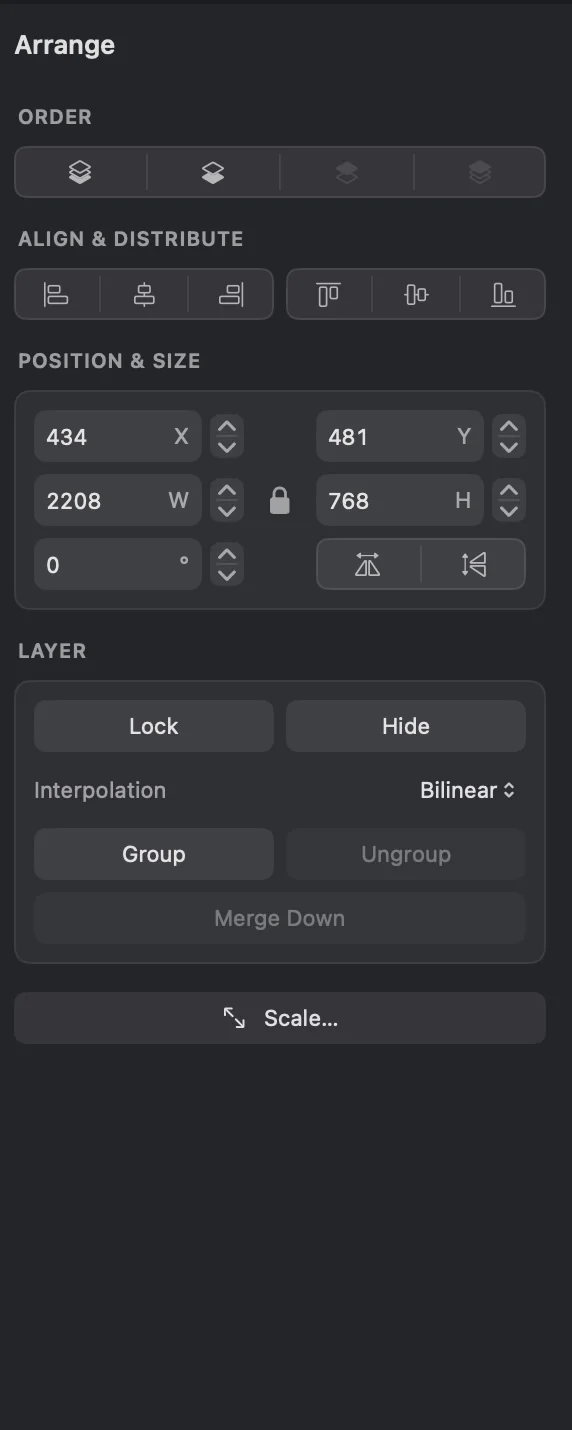
Lock and hide layers, duplicate them, group or ungroup, merge down, flatten, and transform individual layers without losing control.
Live Operation Stacks
Inspect every adjustment and effect, edit its parameters, toggle it on or off, remove it, or apply an effect when you are ready.
Shape & Path Tools
Pencil, rectangles, ovals, rounded rectangles, lines, and triangles with editable paths, fills, strokes, dashes, and markers.
Text, Your Way
Fine-grained text styling with font, size, weight, colour, fill, and stroke controls — then rasterize or convert to paths when needed.
Align & Tidy
Align layers or shapes to any edge or centre, distribute equal spacing, tidy a layout, and snap precisely to guides.
Export for Web
Hit a byte budget automatically, limit dimensions, convert to sRGB, and optimise GIF or PNG palettes with dither controls.
Effortless Import
Drop images straight into a document as layers. SVG files stay editable vectors, PSD layers arrive grouped, and EXIF orientation is handled automatically.
Colour & Histogram
Live RGB and luminance histograms, HEX/RGB entry, colour-wheel selection, reusable palettes, and document colour swatches.
AI Production Tools
Generate editable SVG vectors, restore images, upscale in the cloud, remove backgrounds, and turn depth maps into layer masks.
AI Layout Preview
Preview AI-generated PixellectMarkup layouts before applying them, then fill any generated image placeholders directly on the canvas.
A Configurable Agent
Choose your OpenRouter model, stream responses, set a tool-call limit, and let the agent inspect canvas and layer previews as it works.
Fast Daily Workflow
A command palette, recent-document launcher, configurable transparency checkerboard, pixel grid, and canvas-border controls.